Indoor surveillance often looks simple: install cameras, connect recording and start monitoring. But in reality, lighting conditions decide whether your CCTV footage is useful or useless.
You can deploy the most advanced camera with 4K resolution and AI analytics, but if the lighting is poor, uneven, or unstable, image accuracy drops fast. Faces blur. Colours distort. Motion trails appear. AI misidentifies people and objects.
For engineers, system integrators and facility managers, understanding how indoor lighting affects CCTV performance is not optional. It is the difference between clear evidence and unusable footage.
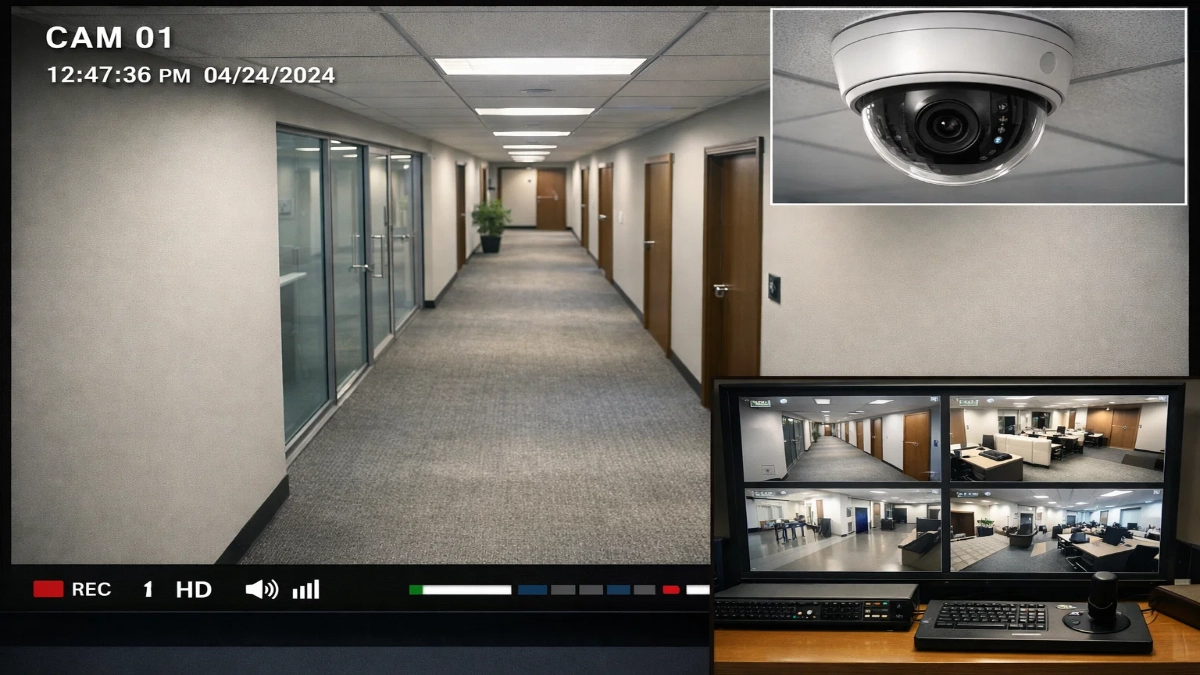
This detailed guide explains everything, from light intensity and flicker to shadows and reflections. You will also learn how to design lighting and camera systems together for maximum reliability.
Let’s break it down.
Why Lighting Matters More Than Camera Specs
Many people focus only on:
- Higher megapixels
- Better lenses
- AI detection features
- More storage
But lighting is the foundation of image quality.
A camera only captures the light that reaches its sensor. If the light quality is poor, the image will always suffer, no matter how expensive the camera is.
Simple truth:
No light = No image.
Bad light = Bad image.
Good light = Accurate evidence.
What is CCTV Image Accuracy?
Before diving deeper, let’s define image accuracy.
CCTV image accuracy means how clearly and correctly a camera captures:
- Faces
- License plates
- Objects
- Movements
- Colors
- Events
High accuracy enables:
- Facial identification
- Object tracking
- AI analytics
- Legal evidence
- Faster investigations
Poor accuracy leads to:
- Blurred footage
- Washed-out faces
- False alarms
- Missed incidents
- Legal disputes
Indoor lighting directly impacts every one of these outcomes.
Key Lighting Factors That Affect CCTV Performance
1. Light Intensity (Lux Levels)
Light intensity is measured in lux.
Typical indoor lux levels:
| Area | Lux |
|---|---|
| Warehouse | 100–200 |
| Office | 300–500 |
| Retail store | 500–1000 |
| Lobby | 200–400 |
Problems with low lux:
- Grainy video (noise)
- Loss of details
- Motion blur
- Poor facial clarity
Why this happens:
When light is low, the camera:
- Increases gain (adds noise)
- Slows shutter speed (causes blur)
Engineering Tip:
Maintain a minimum of 300 lux for identification areas.
2. Uneven Lighting & Shadows
Shadows are silent image killers.
Effects:
- Faces partially hidden
- Object misclassification
- AI detection failures
- Dark blind spots
Cameras struggle with high contrast scenes (bright + dark areas together).
This is called:
👉 Dynamic range problem
Solution:
Use:
- Diffused lighting
- Even ceiling panels
- Wide Dynamic Range (WDR) cameras
3. Backlighting Issues
Backlighting occurs when:
Light source is behind the subject
Result:
- Person appears as a silhouette
- Face becomes black
- Details disappear
Common locations:
- Glass doors
- Windows
- Reception entrances
- Loading docks
Fix:
Use:
- WDR/HDR cameras
- Side lighting
- Light balancing
4. Light Flicker from LEDs & Fluorescent Lights
Many indoor lights flicker due to the AC power frequency.
Humans don’t notice it.
Cameras do.
Effects:
- Rolling bands
- Brightness pulsing
- Frame mismatch
- AI confusion
Why?
Camera shutter speed conflicts with:
- 50 Hz (India)
- 60 Hz (US)
Solution:
Enable:
- Anti-flicker mode
- Set shutter to 1/50 or 1/100
- Use high-quality LED drivers
5. Colour Temperature & White Balance
Colour temperature changes how scenes look.
| Light Type | Kelvin |
|---|---|
| Warm | 2700K |
| Neutral | 4000K |
| Cool | 6000K |
Problems:
Mixed lighting causes:
- Yellow skin tones
- Blue faces
- Wrong colour identification
Bad for:
- Clothing recognition
- Object detection
- Evidence quality
Fix:
- Keep uniform lighting
- Enable auto white balance
- Use the same light type in one area
6. Reflections & Glare
Glossy floors and glass create reflections.
Results:
- Overexposure
- Ghost images
- False motion detection
Common areas:
- Retail stores
- Hospitals
- Airports
- Offices with glass walls
Fix:
- Polarized lenses
- Matte finishes
- Change camera angle
How Poor Lighting Impacts AI & Analytics
Modern CCTV relies heavily on:
- Facial recognition
- Intrusion detection
- Behavior analytics
- Object counting
These systems depend on clean images.
Poor lighting causes:
- False positives
- Missed detections
- Tracking errors
- Reduced AI accuracy
Even the best AI fails with bad input.
Garbage in → Garbage out.
Best Lighting Practices for Indoor CCTV
Here’s a practical checklist engineers love:
Maintain 300–500 lux
Use uniform LED panels
Avoid a strong backlight
Install WDR cameras
Remove harsh shadows
Use anti-flicker settings
Standardise colour temperature
Reduce reflections
Perform site lux testing
Ideal Lighting Design by Environment
Offices
- 400 lux
- Neutral white
- Even panels
Warehouses
- High-bay LED
- Motion lighting
- Wide coverage
Retail Stores
- Balanced lighting
- Avoid spotlight glare
- Enhance face clarity
Hospitals
- Soft uniform light
- No flicker
- Accurate colour rendering
How to Test Lighting for CCTV Accuracy
Step-by-step method:
- Install camera
- Measure lux with a meter
- Record test footage
- Check:
- Face clarity
- Motion blur
- Color accuracy
- Shadow zones
- Adjust lighting
- Retest
Repeat until the footage is sharp.
Final Thoughts
Indoor lighting is not just a facility design element.
It is a core component of surveillance accuracy.
When you design CCTV systems, always plan lighting first.
Better lighting means:
- Clearer footage
- Smarter AI
- Faster investigations
- Stronger evidence
- Safer facilities
In short:
Lighting makes or breaks your CCTV performance.
Treat it as part of the system, not an afterthought.
Read Also: Edge AI vs Centralized Analytics in Enterprise CCTV
Read Also: Choosing a PAN-India Fire Alarm Supplier: What Consultants Should Look For